Military Service Members and Veterans
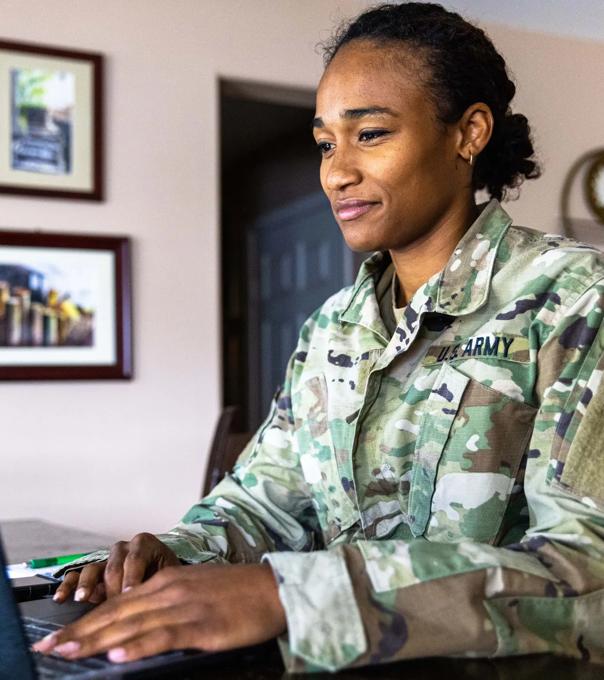
Transform your experience into a degree that moves with you. Offering flexible, military-friendly programs tailored to your goals.
Use this checklist to prepare for online study with ODUGlobal, request the approvals you need and keep your benefits and registration on track.
Use this checklist to review your VA education benefits, apply to ODUGlobal and prepare for registration with support at each step.
Use this checklist to review education benefits, apply to ODUGlobal and complete the next steps for funding, registration and support.
We offer rank-based college credit, up to 15 credit hours for E6-E9 personnel. We recognize and value training for specialties like engineering, communication, instruction and leadership.
Our unique military pathways provide flexible options to earn college credit through exams such as CLEP and DSST/DANTES, as well as your training and experience, minimizing in-class requirements to save you time and money.




Proudly Serving Those Who Serve
For decades, ODUGlobal has proudly supported military members and veterans, building a reputation as a military-friendly institution. Our deep ties to all military service branches illustrate our long-standing commitment to providing accessible, quality education that adapts to your life and career.

This institution is approved to offer GI Bill® educational benefits by the Virginia State Approving Agency. GI Bill® is a registered trademark of the U.S Department of Veterans Affairs (VA). More information about education benefits offered by VA is available at the official U.S. government website at http://www.benefits.va.gov/gibill
We're proud to partner with military education programs that support our courageous service members at home and overseas. For students in the military, online university programs provide an opportunity to continue and advance your education no matter where your career takes you.
ODU’s Military Connection Center is here to support your journey from service to civilian life.
Explore Our Services:
We've partnered with military colleges and programs to help active-duty military service members and their families advance their education, no matter where they are.
Community College of the Air Force (CCAF) General Education Mobile (GEM) at ODU
Air University Associate-to-Baccalaureate Cooperative (AU-ABC)